|
|||
|
Weekly reportsAccess the user profile page. In the horizontal tab bar select the reports tab. 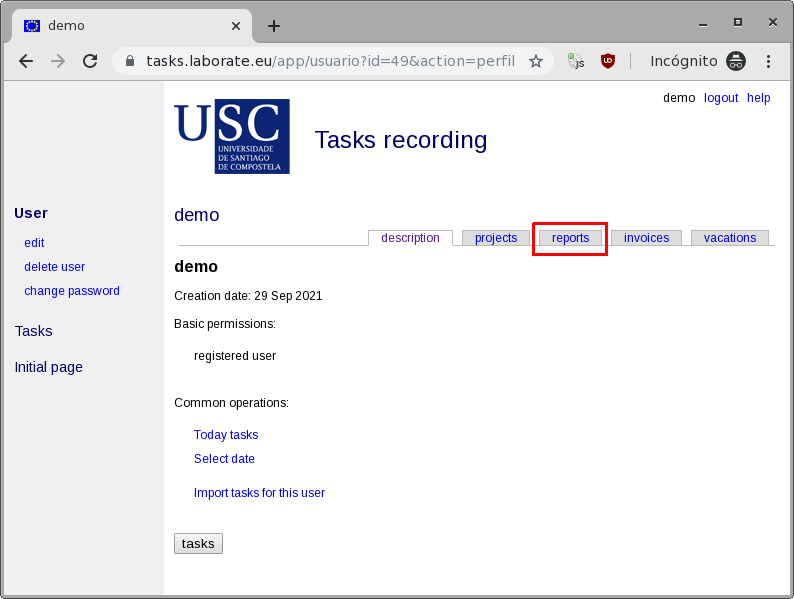 Select the first one from the list of possible reports, the Weekly report 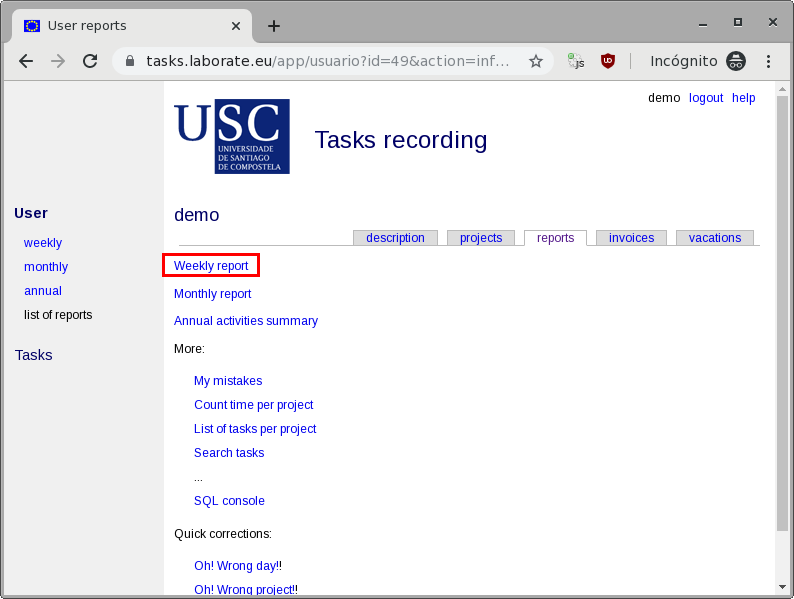 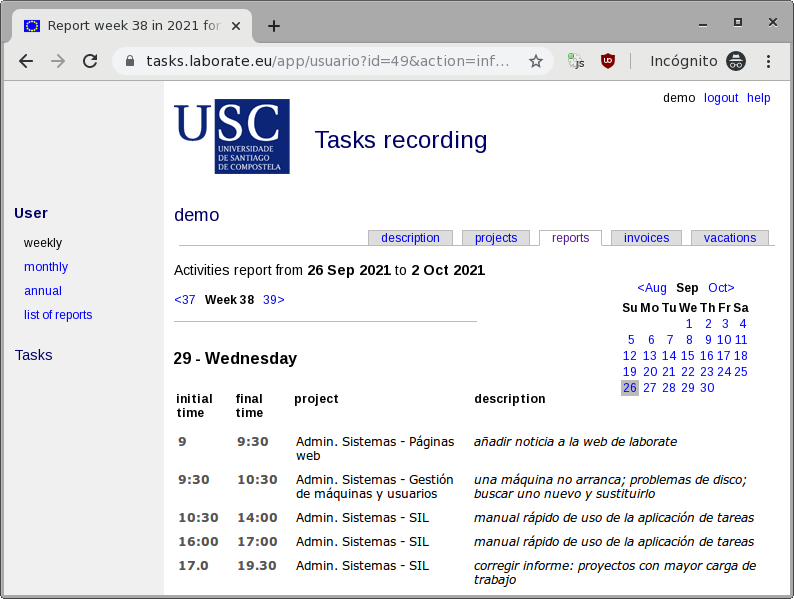 The following blocks can be identified:
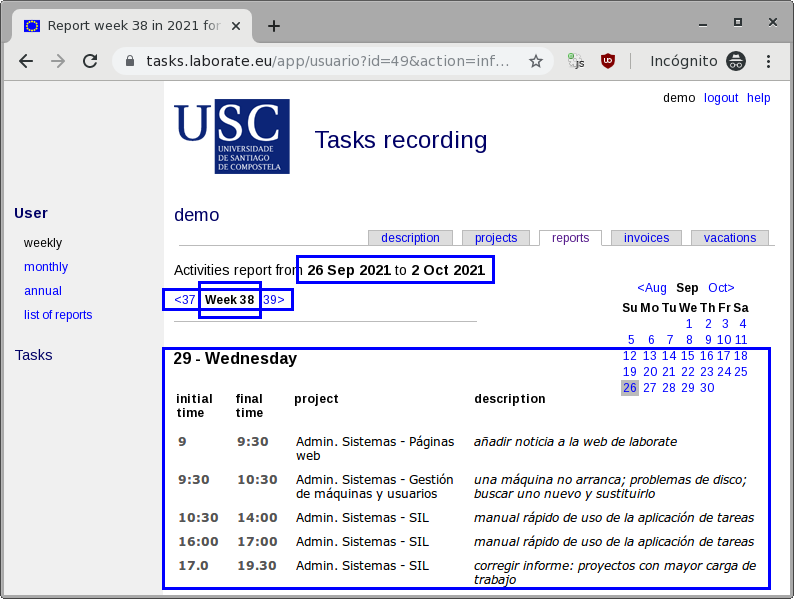 The Summary link allows to group all the tasks by project or subproject per day. The other link (Press to group..., Press to split...) assign all subprojects tasks to the project or let them be counted separatelly. 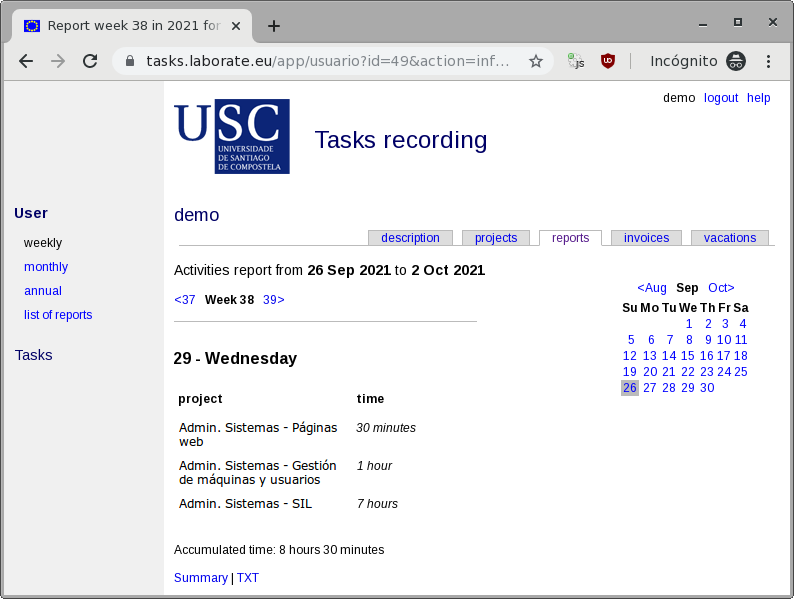 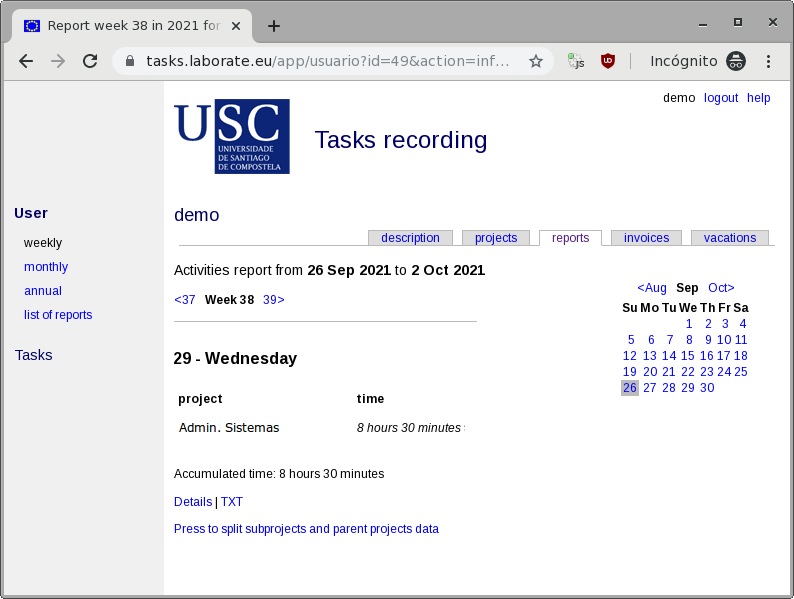 The TXT link downloads the report (summarized/detailed, grouped/splitted) in text format. Other reports in the report list work in a similar way. Check them by yourself as nothing can be broken. |