|
|||
|
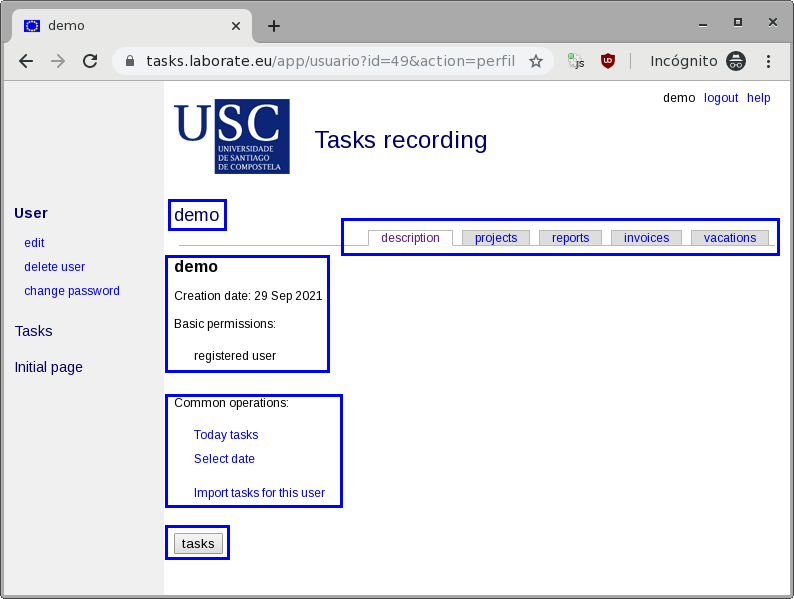
Access the applicationThe tasks recording application is available at https://tasks.laborate.eu 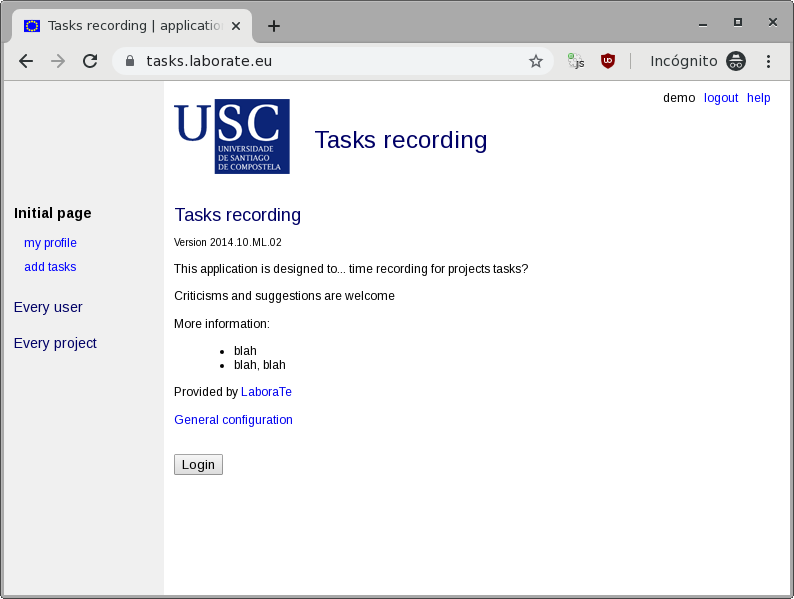 All the pages of the application are similar to this one. They have a white area with the CONTENT and, on the left, a darker colored area with COMMANDS related to CONTENT and grouped into blocks. From any page of the application, by clicking on the main logo you always return to this home page. You're now in the home page. The easiest way to enter the application is simply to click on the Login button, that automatically asks for your USERNAME and PASSWORD, and then redirects the user to the profile page (the images in the manual will assume the username demo). 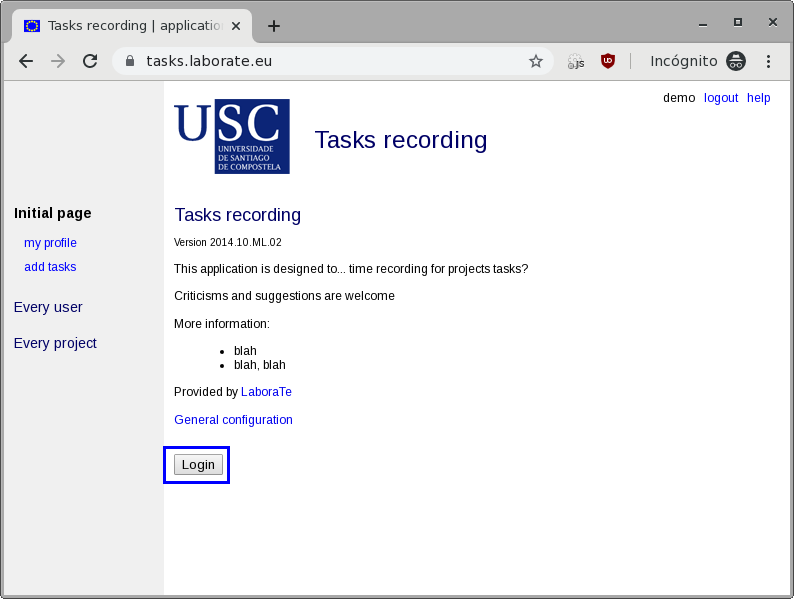 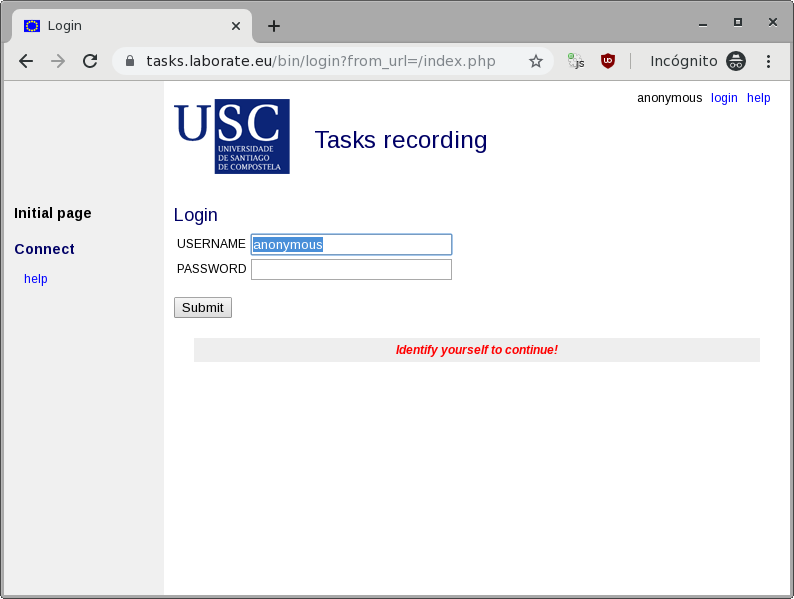 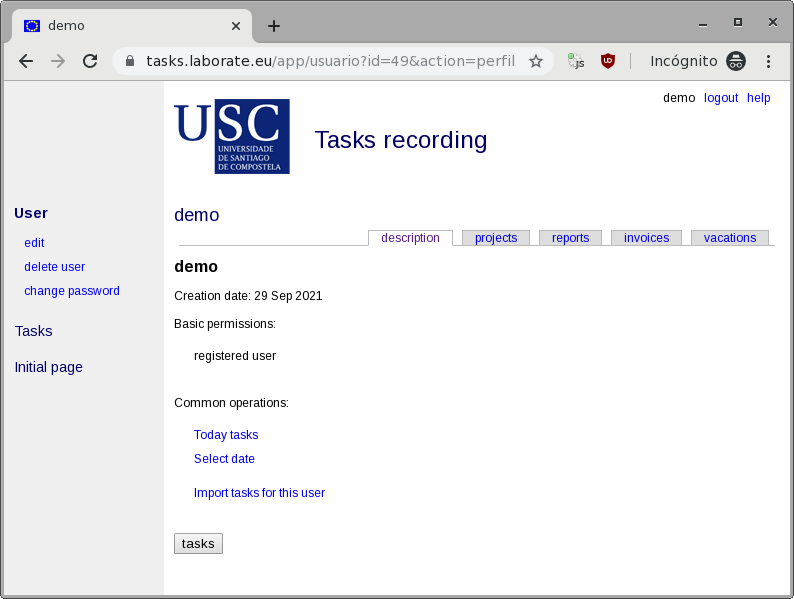 Welcome to the user profile page (remember this name; this manual will always start from here for any operation!). The following blocks can be identified:
 |