|
|||
|
Change passwordAccess the user profile page (if not already there, click on description in the horizontal bar of tabs): 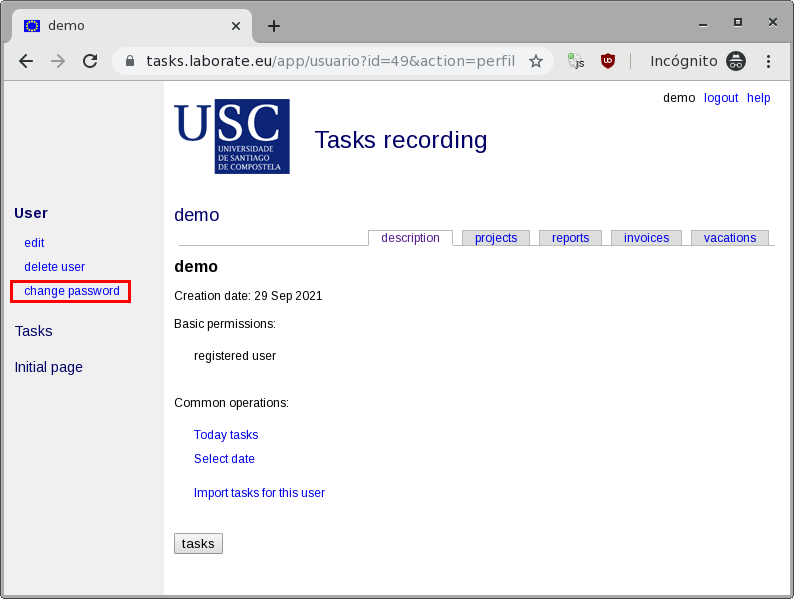 On the left, in the colored area, inside the User block, the command change password appears. Click. The application asks for the current password ONCE and for the new password TWICE. It is not an error. It is common that when updating a password, the programs ask you to enter it twice (and that the password matches) to make sure you know what you are doing and minimize the possibility of a typo. 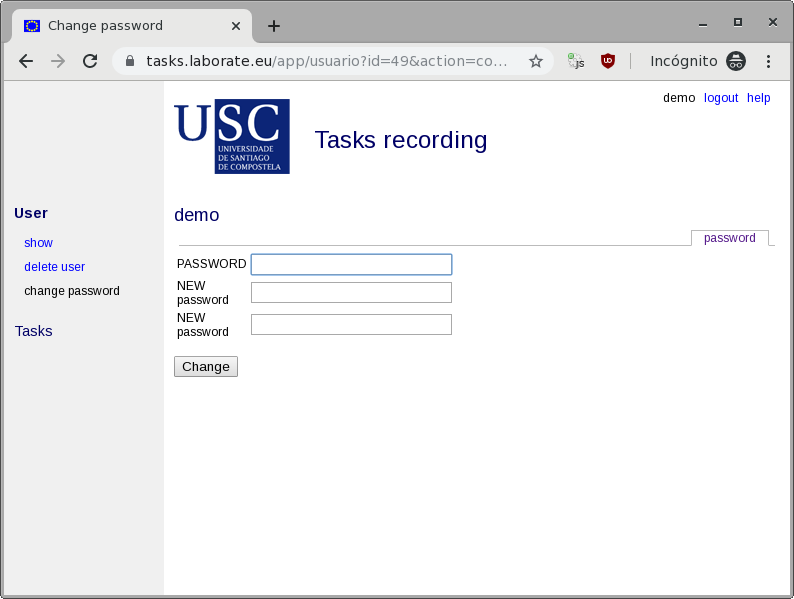 Press the Change button. If everything was correct the application automatically returns to the profile page. If not, it keeps asking. 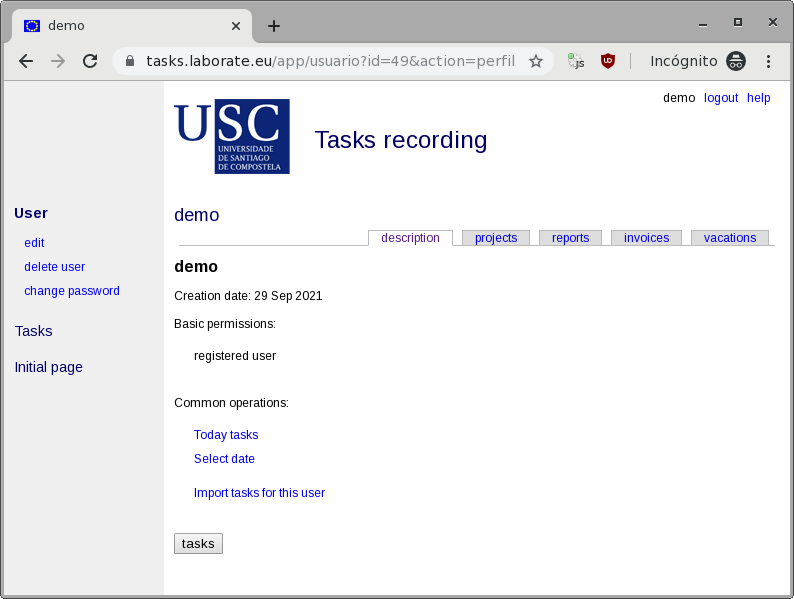 |